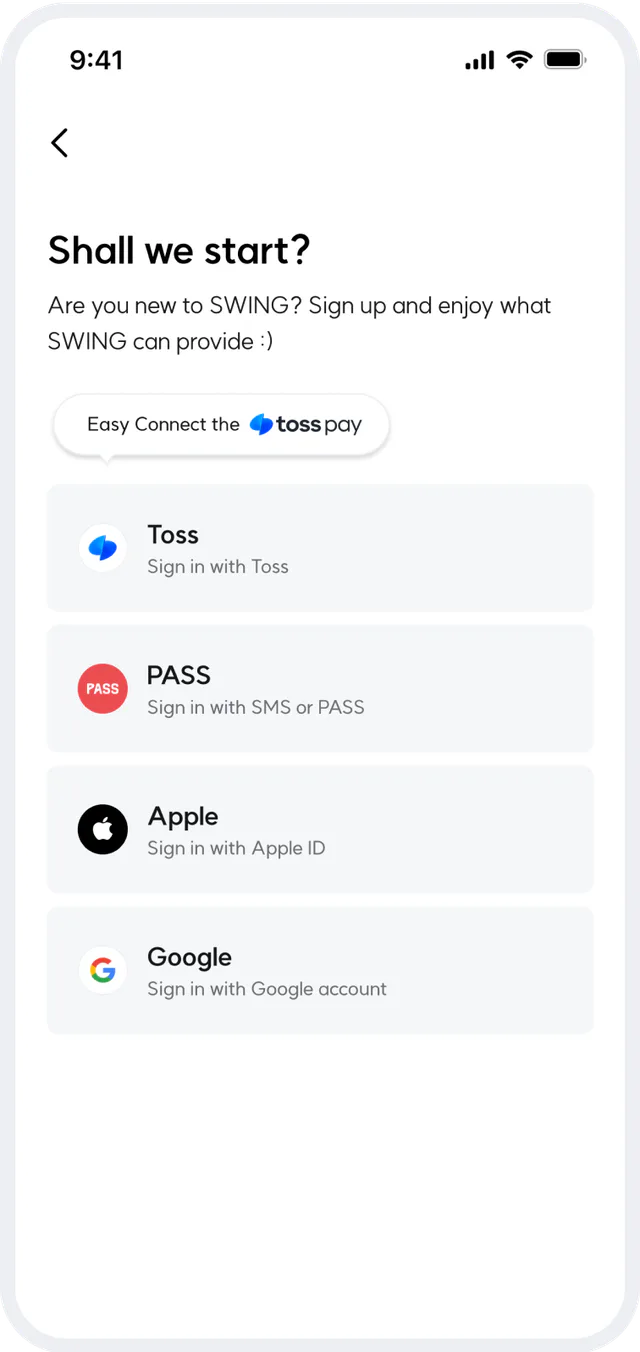
Simple sign-in
Easily sign in and connect your payment method with just a few touches.
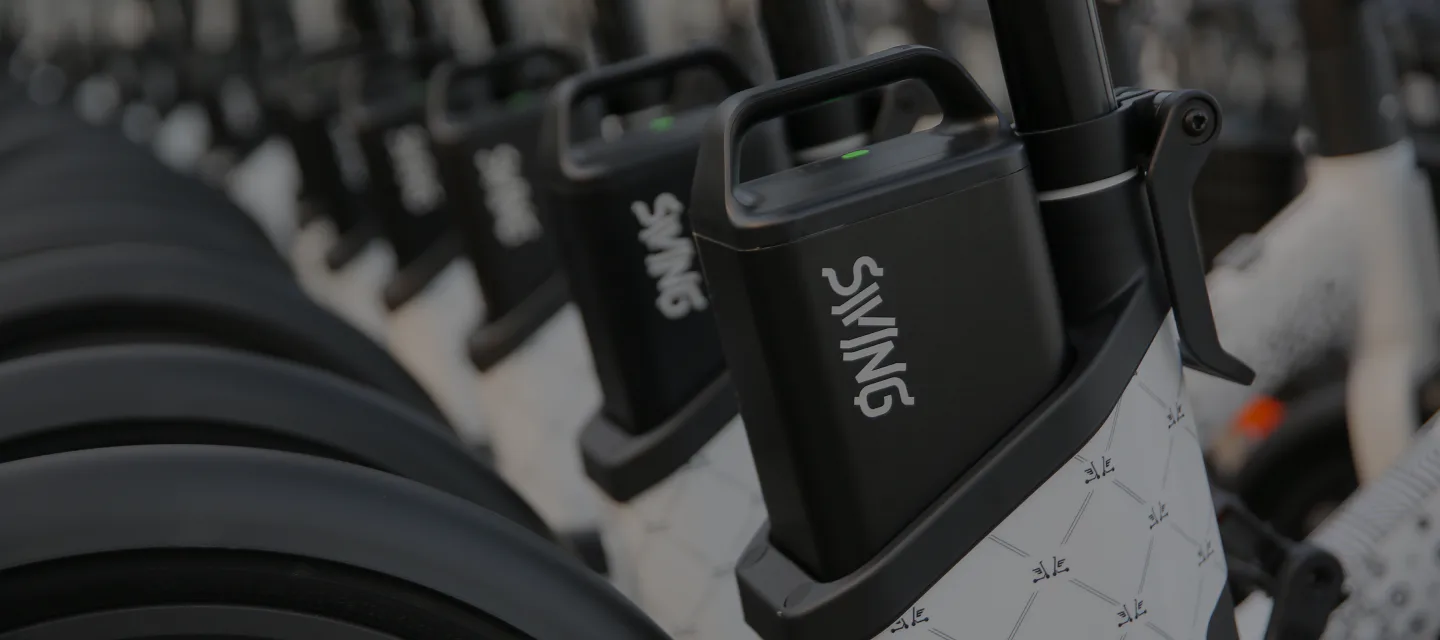


Introducing the services of SWING that innovate mobility
Easily sign in and connect your payment method with just a few touches.
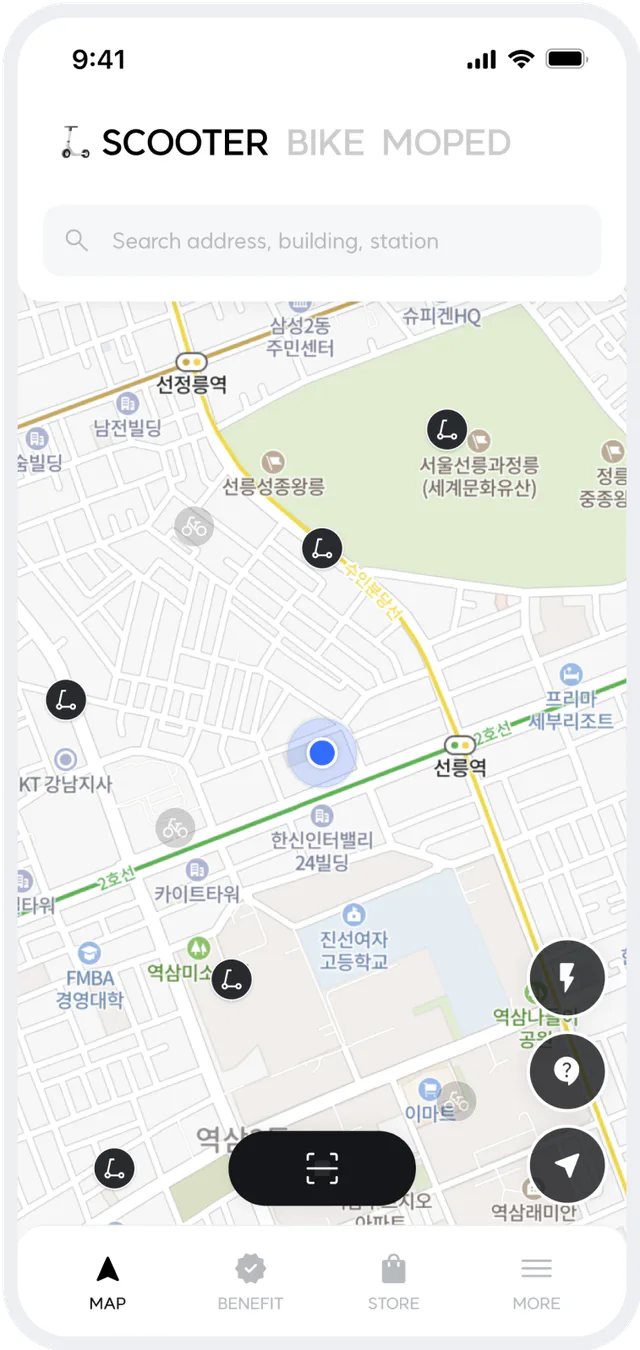
We offer various ride options to suit your needs, e-scooters, e-bikes, and e-mopeds.
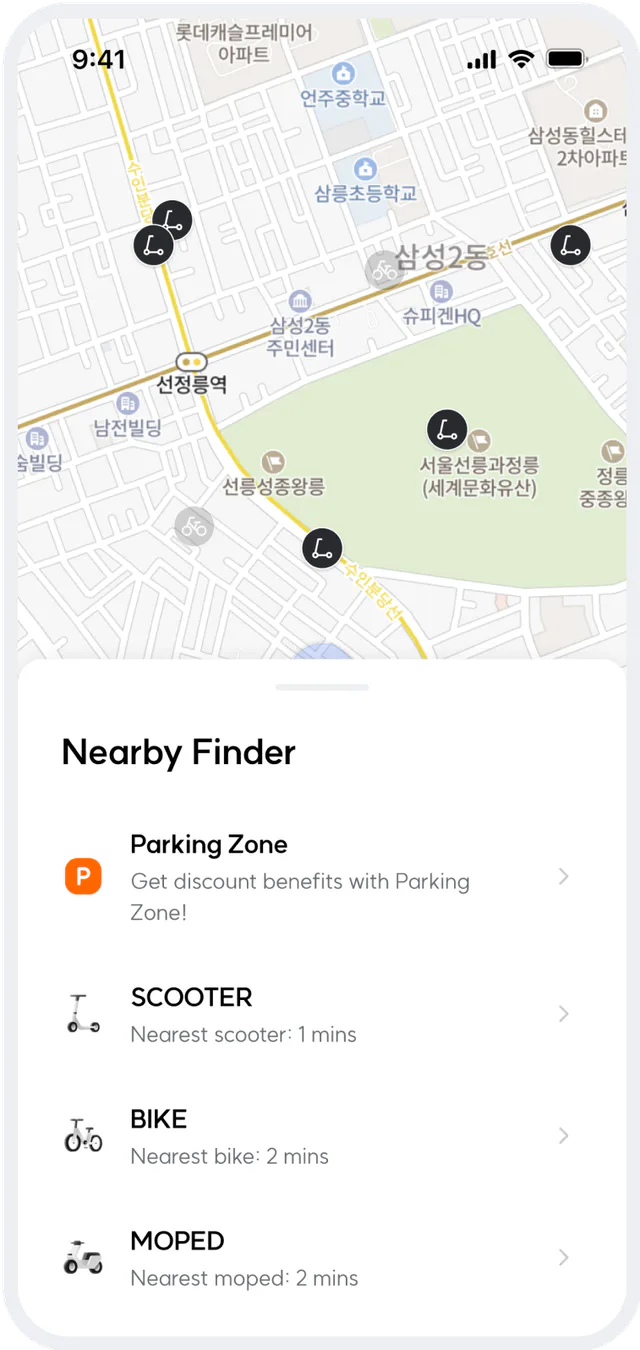
We quickly recommend the closest vehicle and parking zones near you.
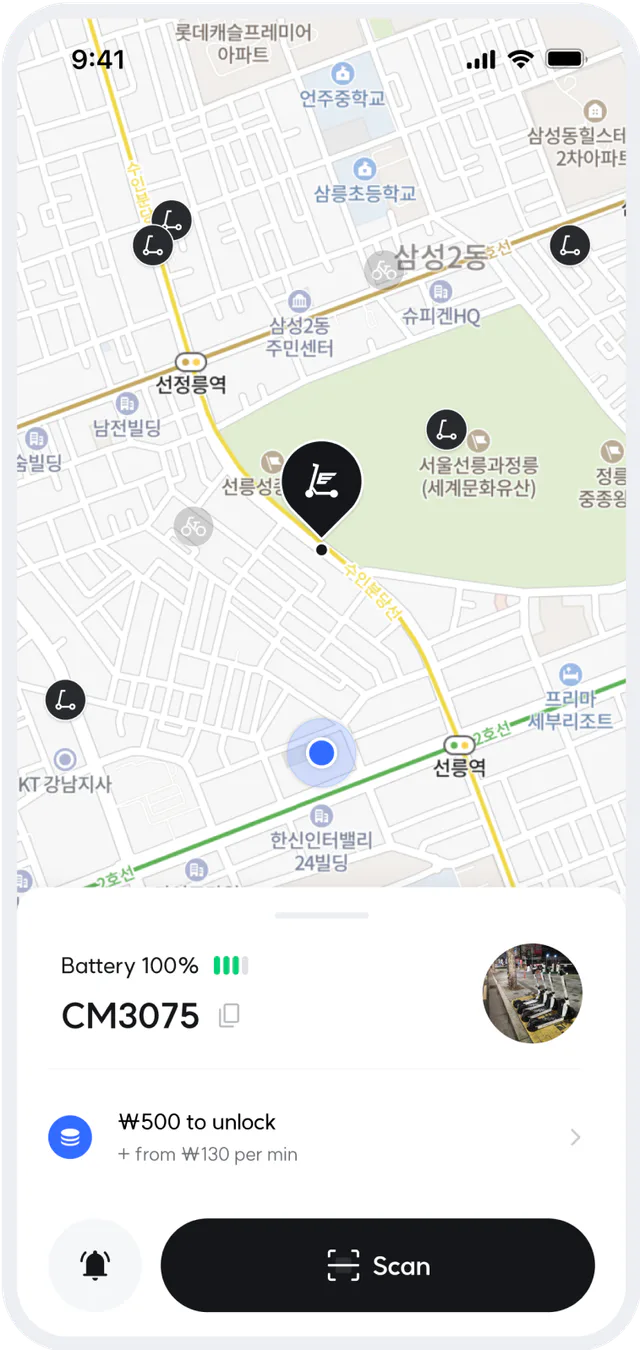
We quickly recommend the closest vehicle and parking zones near you.
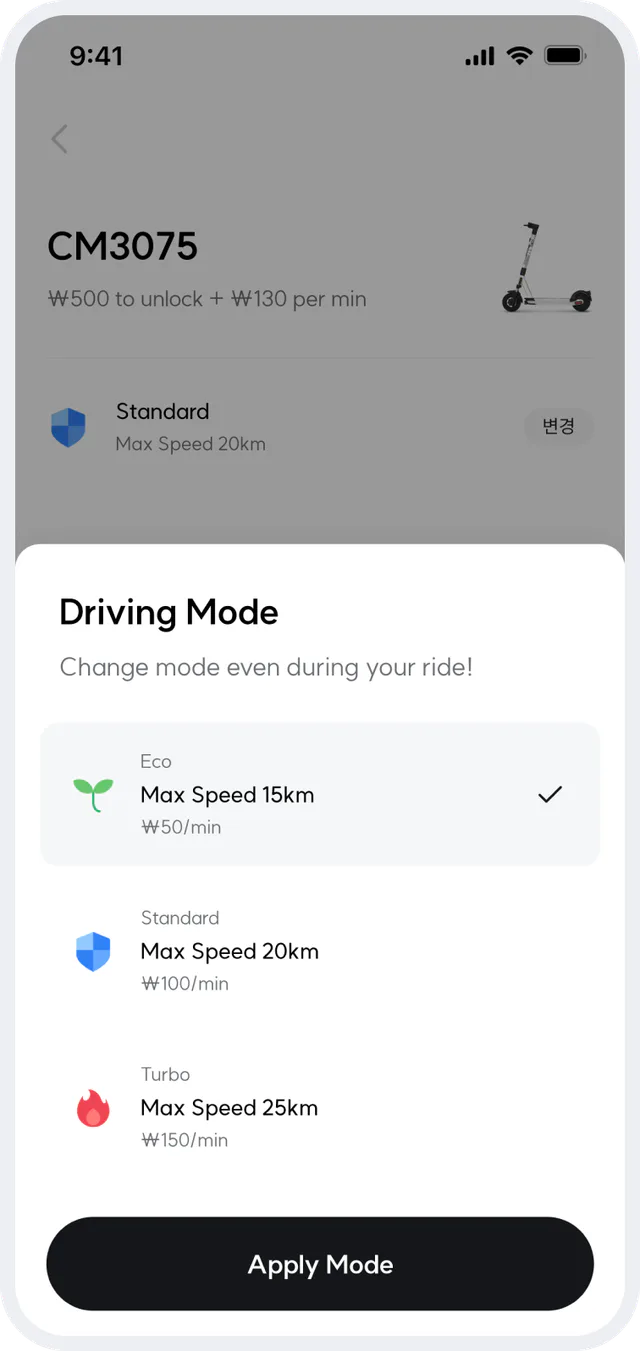
Choose a ride mode that suits your riding style.
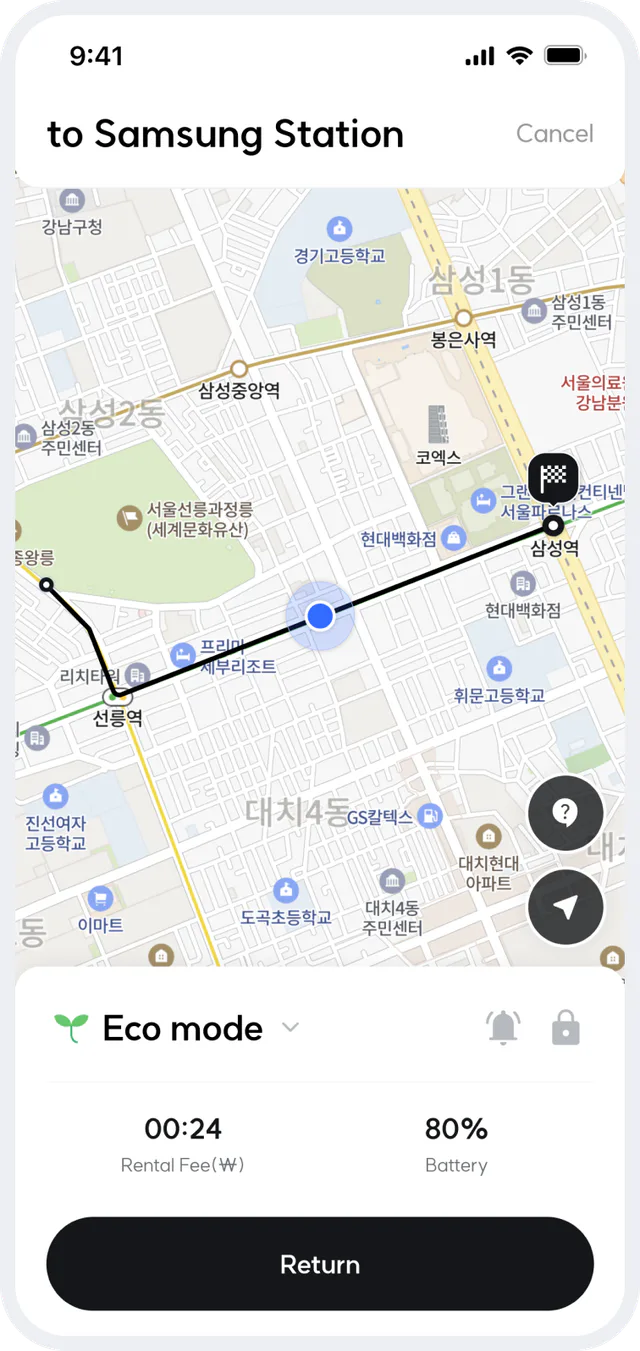
We recommend routes to your destination.
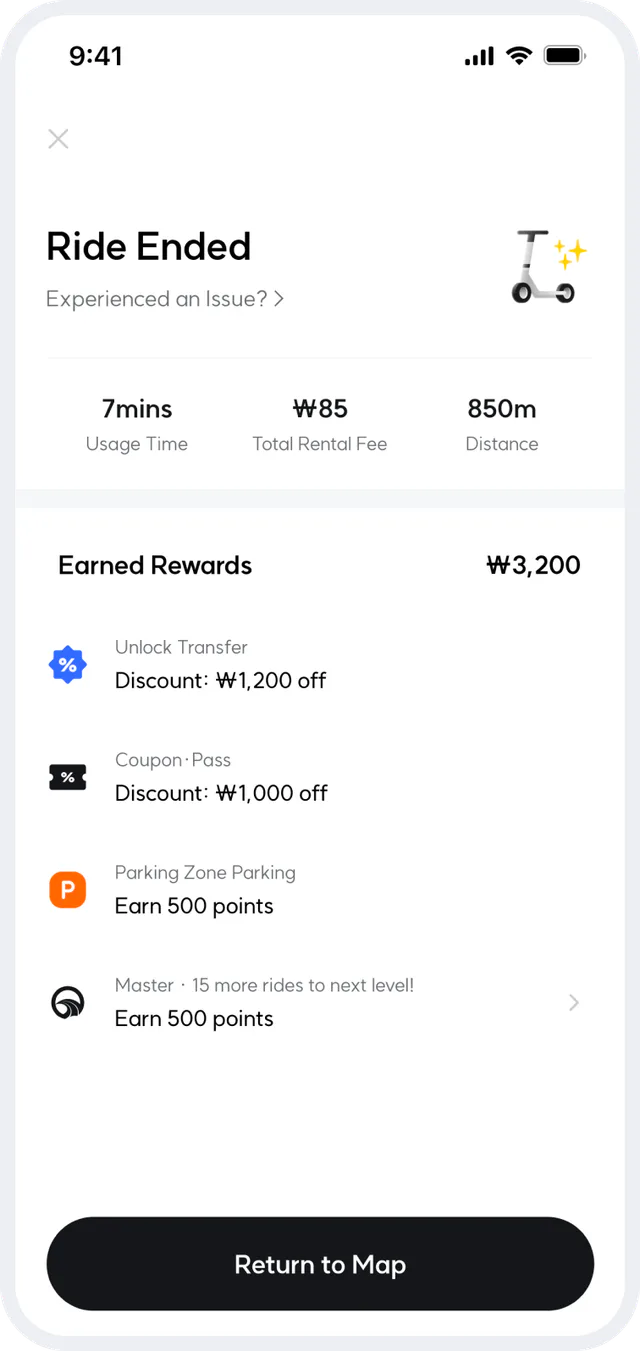
Earn various discounts and points based on your ride and loyalty program.
Enjoy SWING mobility with ease
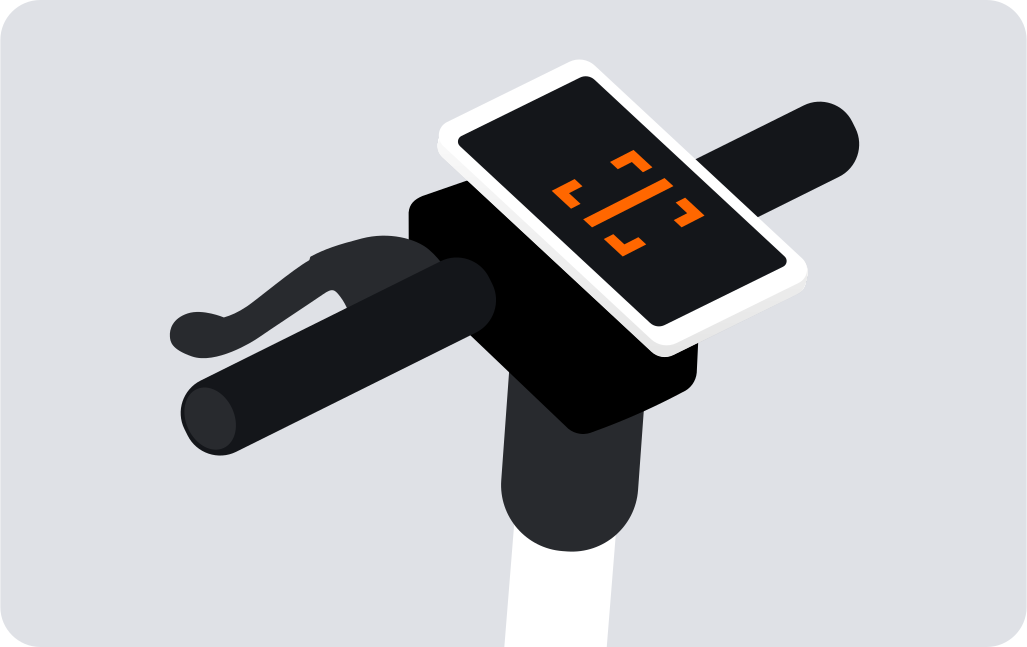
STEP 1
Please scan the QR-code of a device.
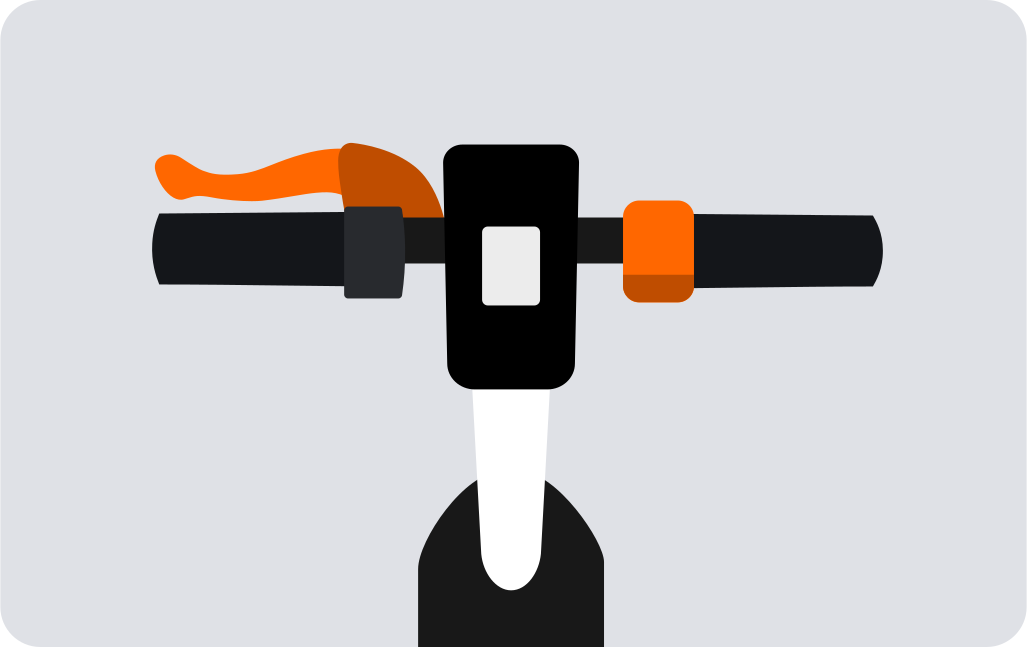
STEP 2
Check brake and throttle before departure.
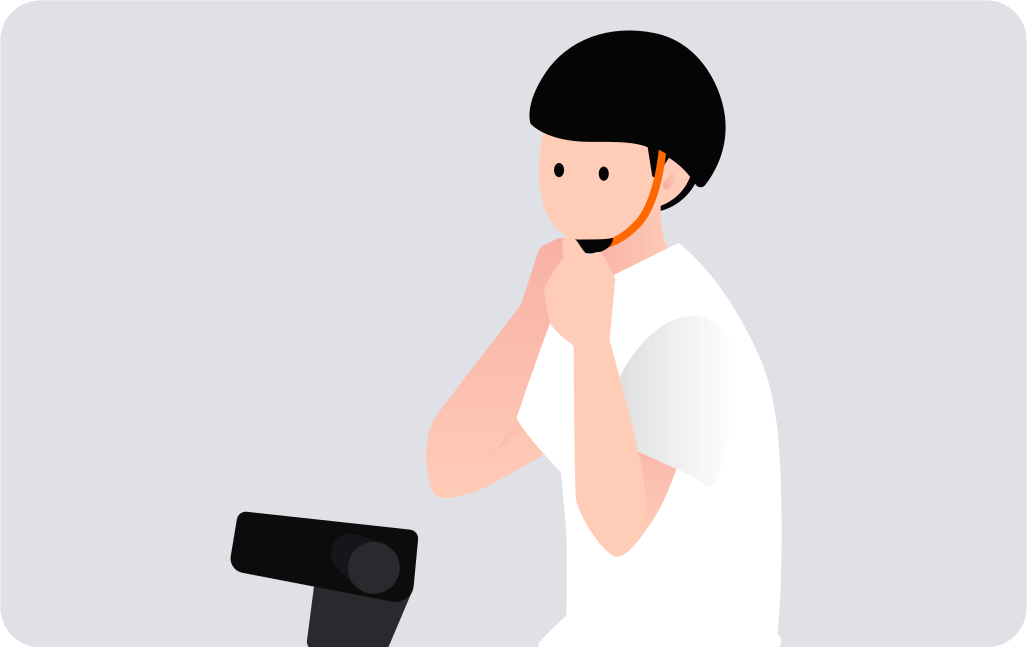
STEP 3
Please wear a helmet for safety.
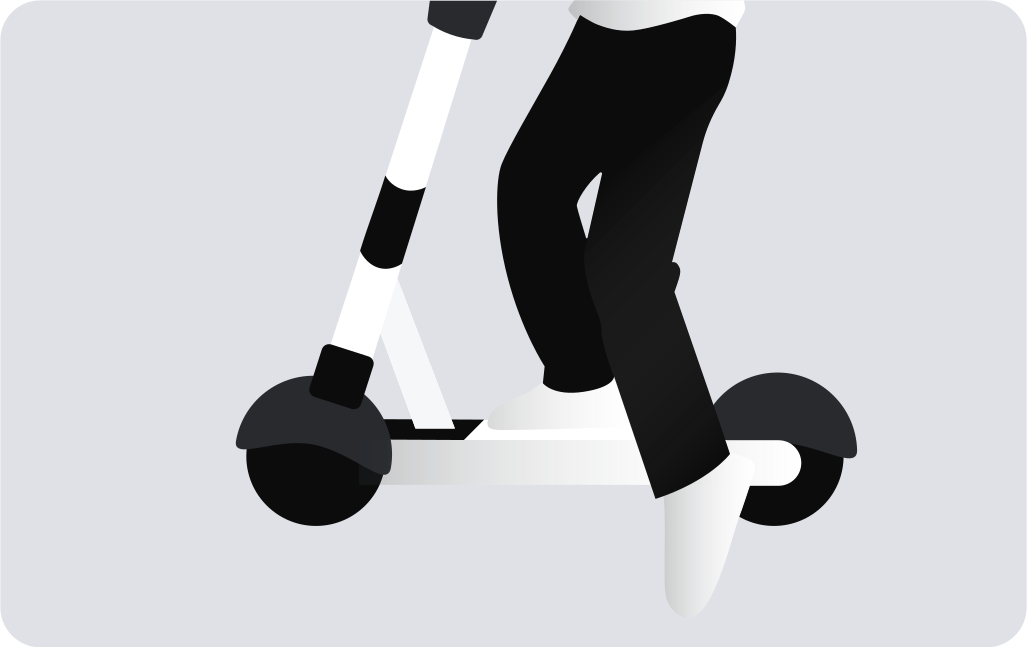
STEP 4
Push the device with one foot and press the throttle on the right handle while speeding up.
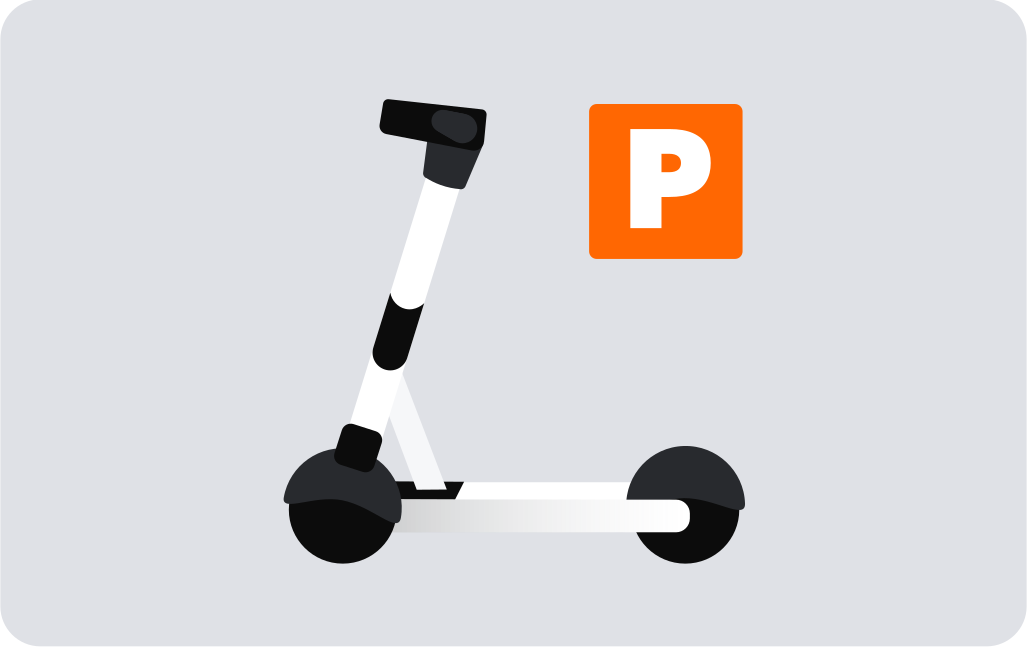
STEP 5
Please don’t park underground and park parallel to the road or wall so that there is no disruption to traffic!
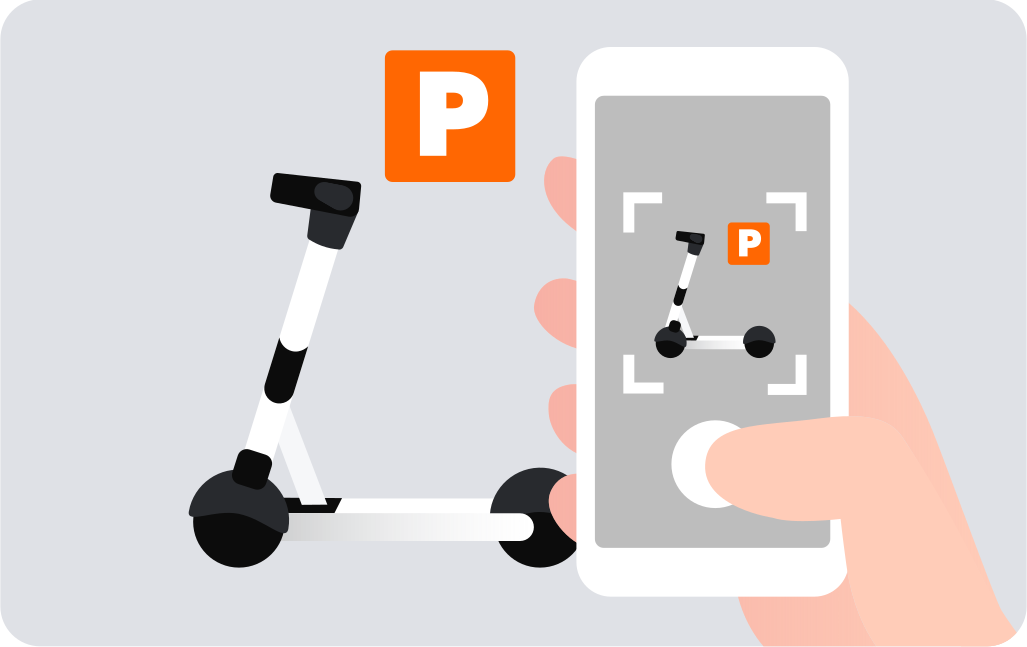
STEP 6
Please park in a safe location. When you submit a return photo, your rental will be complete!